Table of Contents
What Are Blockly Games? Why Do Kids Use Blockly Games? Best Blockly Games to Try What Does Each Blockly Game Teach? How Parents and Beginners Can Get Started with Blockly Games Blockly Games vs Scratch: Which Should Kids Start With? How Blockly Games Can Help Kids Move into Real Coding Learn Coding Beyond Blockly Games with Codingal Conclusion FAQs About Blockly Games
Blockly Games are among the easiest and most engaging ways for kids and beginners to learn to code. Designed with simple drag-and-drop blocks, these games help children understand programming concepts such as logic, sequencing, and problem-solving without writing a single line of code.
For parents looking to introduce coding early, Blockly Games offer the perfect balance of learning and fun. Kids can play, experiment, and build solutions while developing essential thinking skills that are useful far beyond coding.
In this guide, we’ll explore what Blockly Games are, why they are effective, the best games to try, and how they help children move from basic concepts to real-world coding.
What Are Blockly Games?
Blockly Games are a collection of fun, interactive coding games designed to teach kids programming using simple drag-and-drop blocks. Instead of typing complex code, children connect visual blocks to create instructions and solve puzzles.
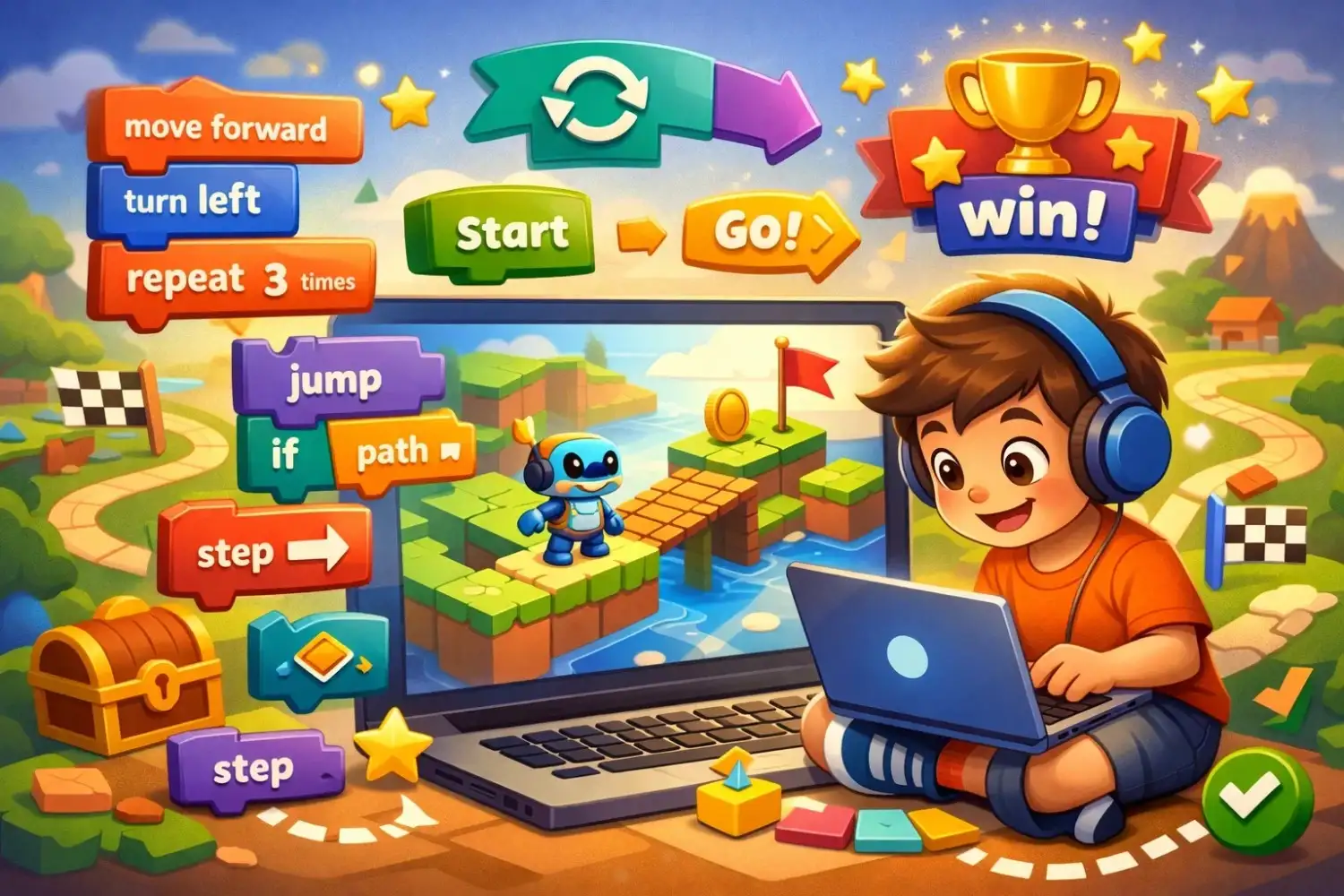
These games were developed by Google to help beginners understand how coding works without worrying about syntax or errors. Each block represents an action- like moving forward, repeating steps, or making decisions.
Because of this visual approach, Blockly Games make coding:
- easier to understand
- less intimidating
- more engaging for young learners
They act as a perfect starting point for kids who are completely new to programming.
Why Do Kids Use Blockly Games?
Kids are naturally drawn to games, puzzles, and interactive challenges. Blockly Games use that natural curiosity to introduce coding in a way that feels fun, simple, and rewarding. Instead of starting with complex syntax or long instructions, children learn by dragging colorful blocks, testing ideas, and solving one challenge at a time.
This makes Blockly Games especially effective for beginners because they turn coding into an activity kids enjoy rather than a subject they feel pressured to study.
1. Visual Learning Makes Coding Simple
One of the biggest reasons kids use Blockly Games is that the platform makes coding highly visual. Instead of memorizing commands or typing lines of code, children work with colorful blocks that represent actions such as moving forward, turning, repeating steps, or making decisions.
This visual format helps kids understand how coding works step by step. They can clearly see how one instruction connects to the next, which makes programming feel much easier to grasp.
2. Learning Feels Like Playing
Blockly Games are designed like puzzles and challenges, so children often feel like they are playing a game rather than learning a technical skill. Each level gives them a small problem to solve, and every correct solution feels rewarding.
This game-like experience keeps kids engaged for longer and reduces the fear that often comes with trying something new. When learning feels playful, children are more willing to experiment and keep trying.
3. Builds Logical Thinking
Another reason kids use Blockly Games is that the activities strengthen logical thinking. To solve each challenge, children must think carefully about what should happen first, what should happen next, and what changes are needed if the result is wrong.
Over time, this helps kids develop the habit of breaking bigger problems into smaller steps, which is a valuable skill not only in coding but also in math, science, and everyday problem-solving.
4. Beginner-Friendly
Blockly Games are ideal for absolute beginners because they do not require any prior coding knowledge. A child does not need to know programming terms, syntax, or technical concepts before getting started.
The games guide learners gradually, beginning with very simple actions and then introducing more advanced ideas like loops, conditions, and logic. This makes Blockly Games a comfortable starting point for children who are completely new to coding.
5. Instant Feedback Helps Kids Learn Faster
Kids also enjoy Blockly Games because they get immediate feedback. As soon as they arrange their blocks and run the program, they can see whether their solution works.
If the character moves in the wrong direction or does not complete the challenge, children can quickly spot the mistake and try again. This instant feedback makes learning more interactive and helps kids improve faster through trial and error.

6. Encourages Confidence and Independence
As children complete more levels, they begin to feel more confident in their problem-solving skills. They realize that they can test ideas, fix mistakes, and find solutions on their own.
This sense of achievement is important for beginners. It helps them see coding as something they are capable of learning, which builds motivation to explore more advanced coding tools later.
Best Blockly Games to Try
Here are the most popular Blockly Games that help kids progress from beginner to advanced concepts.
1. Maze
What it is:
A beginner-friendly game where kids guide a character through a maze using simple movement blocks.
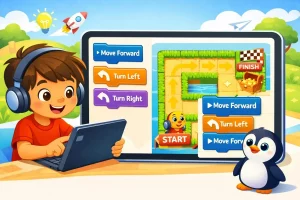
What kids do:
They use instructions like:
- move forward
- turn left
- turn right
Why it’s great:
It introduces the basics of coding in the simplest way possible.
2. Bird
What it is:
A logic-based game where kids help a bird reach its target using smart decisions.
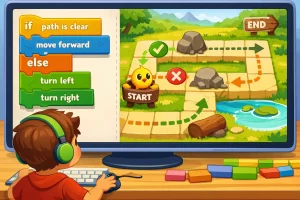
What kids do:
They use conditions like:
- if path is clear → move forward
- else → turn
Why it’s great:
It teaches kids how to make decisions in code.
3. Turtle
What it is:
A creative coding game where kids draw shapes and patterns using commands.
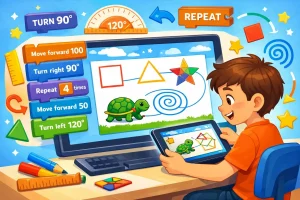
What kids do:
They control movement and angles to create designs.
Why it’s great:
It combines coding with creativity and introduces geometry concepts.
4. Movie
What it is:
An animation-based game where kids create scenes and tell stories using code.
What kids do:
They animate characters and control sequences.
Why it’s great:
It builds storytelling skills along with coding logic.
5. Pond Tutor
What it is:
A guided introduction to more advanced coding concepts.
What kids do:
They learn structured logic in a controlled environment.
Why it’s great:
It prepares kids for real programming.
6. Pond
What it is:
An advanced game where kids apply everything they’ve learned in a more open environment.
What kids do:
They solve complex challenges using strategy and logic.
Why it’s great:
It bridges the gap between block coding and real coding.
What Does Each Blockly Game Teach?
Here’s a simple breakdown of what kids learn in each game:
| Game | Key Concepts Learned |
| Maze | Sequencing, loops, directions |
| Bird | Conditions, decision-making |
| Turtle | Angles, patterns, loops |
| Movie | Animation, sequencing |
| Pond Tutor | Advanced logic |
| Pond | Strategy, real coding thinking |
Each game builds on the previous one, helping kids gradually develop strong coding foundations.
How Parents and Beginners Can Get Started with Blockly Games
Getting started with Blockly Games is simple, but the right approach can make a big difference.
Step 1: Start with Maze
Always begin with the easiest game to build confidence.
Step 2: Keep Sessions Short
15–20 minutes is ideal to maintain focus and interest.
Step 3: Encourage Thinking Before Clicking
Ask kids:
- What do you think will happen?
- Why did this not work?
Step 4: Let Kids Make Mistakes
Trial and error is an important part of learning coding.
Step 5: Turn It Into a Challenge
- Can you solve it using fewer blocks?
- Can you find a faster solution?
Blockly Games vs Scratch: Which Should Kids Start With?
Both Blockly and Scratch are excellent, but they serve different purposes.
1. Blockly Games
- guided learning
- puzzle-based
- ideal for absolute beginners
- focuses on logic
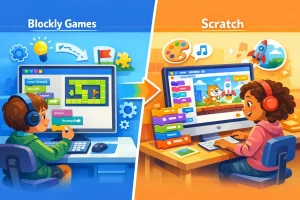
2. Scratch
- project-based
- open-ended creativity
- build games and animations
- requires basic coding understanding
3. Best Path
Start with Blockly Games, then move to Scratch.
How Blockly Games Can Help Kids Move into Real Coding
Blockly Games are not just games – they are a foundation.
Once kids understand:
- loops
- conditions
- sequences
They can easily transition into:
- Scratch for kids
- game development
- app building
- Kids Python or JavaScript
Blockly helps kids think like programmers before they actually start coding.
Learn Coding Beyond Blockly Games with Codingal
While Blockly Games are a great starting point, kids eventually need structured guidance to build real-world projects.
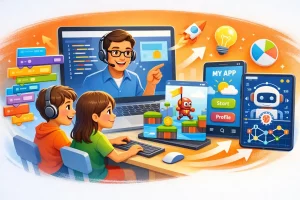
At Codingal, kids can:
- learn from expert coding teachers
- build games, apps, and AI projects
- move from block coding to real programming
- develop problem-solving and creativity skills
👉 If your child enjoyed Blockly Games, this is the perfect next step.
Conclusion
Blockly Games are one of the best ways to introduce kids to coding in a fun, engaging, and stress-free way. They simplify complex concepts into interactive challenges that build logic, creativity, and confidence. By starting with Blockly, kids develop a strong foundation that prepares them for more advanced coding platforms and real-world problem-solving.
Ready to take the next step beyond Blockly Games? Help your child build real games, apps, and AI projects with Codingal’s expert-led coding classes. Book a free trial class today and turn their curiosity into real skills.
FAQs About Blockly Games
- What are Blockly Games?
Blockly Games are free, interactive coding games designed for beginners. They use visual blocks instead of text-based code to teach programming concepts like logic, loops, and conditions. Kids learn by solving puzzles, making coding simple, engaging, and easy to understand.
- Are Blockly Games suitable for beginners?
Yes, Blockly Games are specifically designed for beginners with no prior coding experience. The visual block-based interface removes complexity, allowing kids and first-time learners to focus on understanding logic and problem-solving without worrying about syntax or technical errors.
- What age group can use Blockly Games?
Blockly Games are best suited for kids aged 6 and above, but even older beginners can benefit from them. They provide a strong foundation in coding concepts, making them useful for anyone starting their programming journey for the first time.
- Are Blockly Games free to use?
Yes, Blockly Games are completely free and accessible online. There are no subscriptions or hidden costs, making them a great option for parents and educators who want to introduce coding without investing in paid platforms initially.
- Do Blockly Games teach real coding skills?
Yes, Blockly Games teach real coding concepts such as sequencing, loops, conditions, and logic. While the interface is visual, the thinking process is the same as real programming, helping kids build a strong foundation for future coding languages.
- Can Blockly Games be used in schools?
Yes, many schools and educators use Blockly Games as an introductory coding tool. They are effective for classroom learning because they are easy to understand, interactive, and help students grasp fundamental programming concepts in a fun way.
- What comes after Blockly Games?
After completing Blockly Games, kids can move on to platforms like Scratch, where they can create their own games and animations. From there, they can gradually transition into real programming languages like Python, JavaScript, or app development.
- Do kids need a computer to play Blockly Games?
Yes, Blockly Games are typically played on a computer or laptop through a web browser. A stable internet connection is required, but no additional software installation is needed, making it easy to access and start learning immediately.
- How long should kids spend on Blockly Games daily?
Kids can spend around 15–30 minutes daily on Blockly Games. Short, consistent sessions help maintain focus and prevent fatigue while ensuring steady learning progress. The goal is to keep coding fun and engaging rather than overwhelming.
- How can parents support kids using Blockly Games?
Parents can support kids by encouraging them to think through problems, ask questions, and experiment with solutions. Instead of giving answers, guiding children to find their own solutions helps build confidence, independence, and stronger problem-solving skills over time.