When you watch an animated movie, a video game cutscene, or even a simple cartoon, the movements often look smooth, natural, and lifelike. But have you ever wondered how animators create that effect?
The secret lies in a technique called tweening.
Tweening is one of the most important concepts in modern animation, from Disney classics to Scratch animations and digital cartoons. Whether you’re a beginner exploring animation tools or a student curious about how motion is created, understanding tweening is a great place to start.
🌟 What Is Tweening?
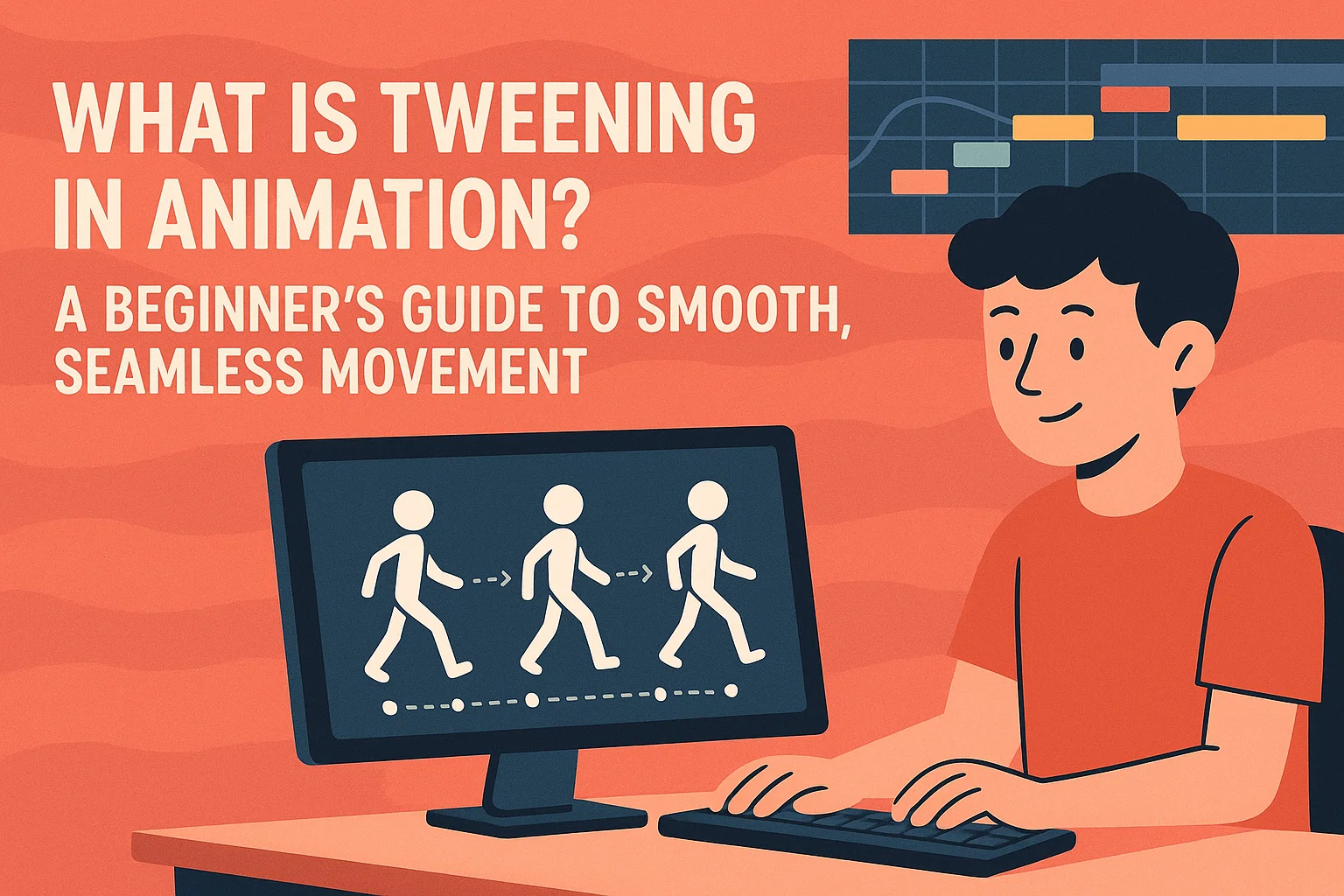
Tweening comes from the word “in-betweening.” It is the process of creating the middle frames between two key pictures (called keyframes) to produce smooth movement.
In simple words:
Tweening fills the gap between two poses, making the motion look fluid.
Imagine you draw:
- Frame 1: A ball at the top of the screen
- Frame 10: The ball at the bottom
Without tweening, you would need to draw all 8 frames in between manually. With tweening, the computer automatically creates the movement from top to bottom.
🎬 Why Is Tweening Important?
Before computers existed, animators had to draw every frame by hand — sometimes thousands of drawings for a single scene. Tweening makes animation easier, faster, and smoother.
Tweening helps animators:
- Save time
- Reduce manual drawing
- Create smoother transitions
- Make motion more natural
- Experiment with different styles quickly
This is why tweening is widely used in software like:
- Adobe Animate
- Blender
- Scratch
- Roblox Studio
- After Effects
- Toon Boom Harmony
- Krita
- Flipaclip
🎨 Keyframes vs. Tweening
To understand tweening properly, let’s break the process down.
Keyframes
- These are the important poses or major drawings.
- They represent “before” and “after” in motion.
Tweening
- The automatic generation of frames between those keyframes.
For example:
- Keyframe 1: A character raises their hand
- Keyframe 10: The hand is fully up
- Tweening: Fills in frames 2–9 so the hand lifts smoothly
⚙️ Types of Tweening
Tweening isn’t just about moving an object. There are several types of tweening used to create complex animations.
1. Motion Tweening
Used to move objects from one place to another.
- A car driving forward
- A character sliding across the screen
- A balloon floating upward
The software creates the frames between starting position and ending position.
2. Shape Tweening
Used when one shape transforms into another shape.
Examples:
- A circle turning into a heart
- A square morphing into the word “Hi!”
- A leaf growing or shrinking
Shape tweening is common in 2D animation tools.
3. Color Tweening
Used to change the color of an object gradually.
Examples:
- A background fading from day to night
- A button glowing when hovered
- A character blushing (face color changes)
4. Rotation Tweening
Makes an object rotate smoothly.
Examples:
- Wheels spinning
- A windmill turning
- A character doing a flip
5. Transparency Tweening
Changes the opacity of an object.
Examples:
- A ghost fading in or out
- A text title appearing gradually
- Sparks glowing then disappearing
🎮 Tweening in Games (Roblox, Scratch, etc.)
Many coding and game-building platforms include tweening to create smooth animations.
Scratch:
Scratch uses “glide” blocks, costume switching, and custom tweening scripts to create animation.
Roblox Studio:
Roblox has a TweenService that smoothly animates:
- Doors opening
- GUIs fading
- Characters moving
- Objects scaling and rotating
Tweening adds polish and professionalism to games.
🧠 Real-World Examples of Tweening
You’ve seen tweening everywhere without realizing it:
- Characters walking
- Clouds drifting
- Text sliding into the screen
- Hearts popping in mobile games
- Smooth menu animations
- Movie scenes with transitions
Tweening is behind every smooth motion in digital visual media.
🤔 Why Should Beginners Learn Tweening?
If you’re starting in animation or game design, tweening is the perfect first step because:
- It’s easy to learn
- It instantly improves your animations
- It makes your projects look professional
- It teaches timing, motion, and visual storytelling
- It reduces the work needed to animate manually
Even young students (Grades 1–5) can understand tweening because it’s simply “filling in the middle.”
Tweening vs. Frame-by-Frame Animation
| Tweening | Frame-by-Frame |
| Computer creates in-between frames | Artist draws every frame manually |
| Faster to produce | Time-consuming |
| Smooth motion | More natural, expressive |
| Perfect for simple movements | Needed for complex character animation |
Animators often use both techniques together.
Conclusion
Tweening is one of the foundational concepts in animation. It helps creators bring characters, objects, and scenes to life by automatically generating smooth motion between keyframes. From simple movements like a sliding object to complex color fades and rotations, tweening makes animation efficient, fun, and accessible — even for beginners.